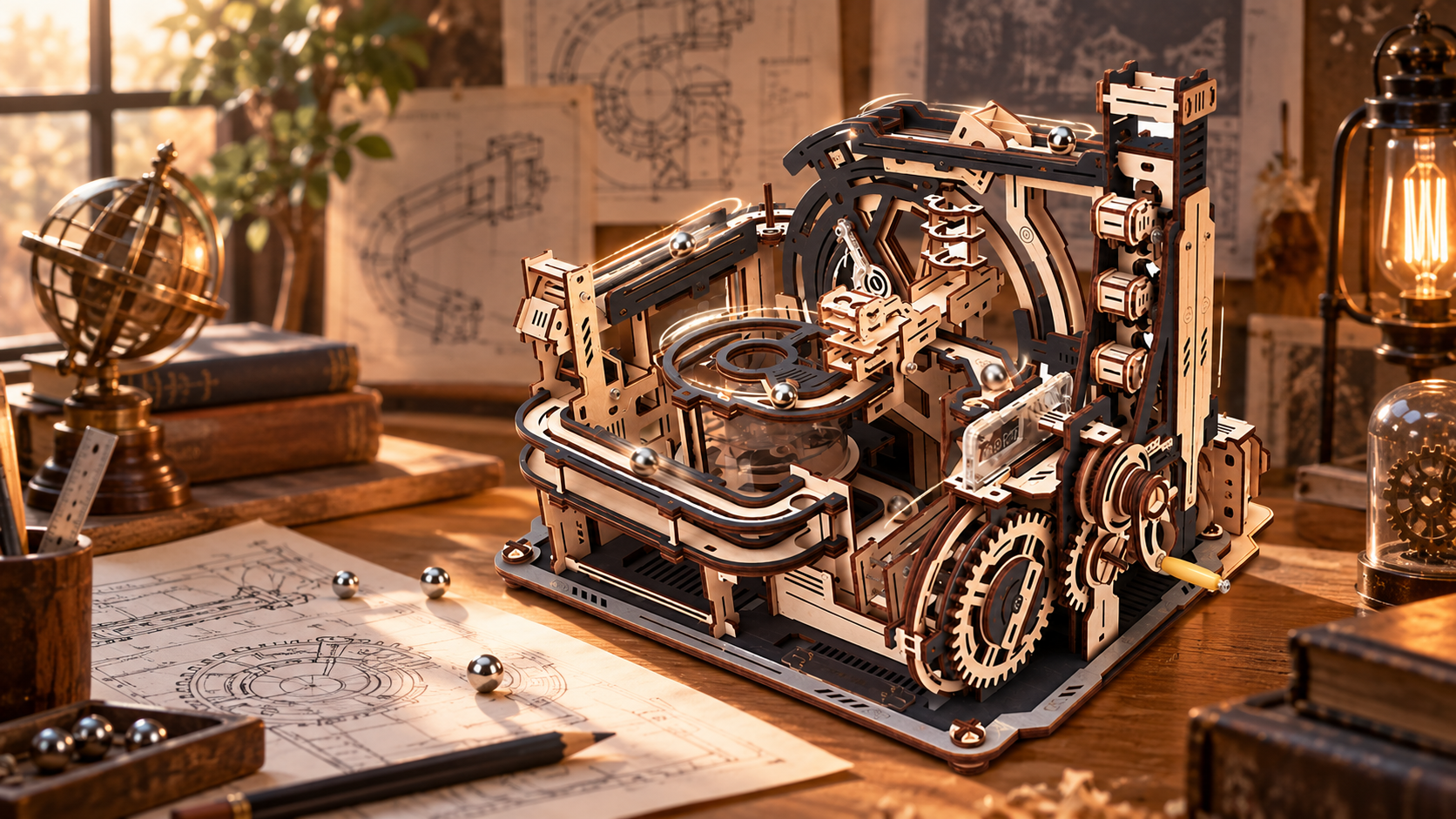
Some marble run sets are designed to connect, although it depends entirely on the system you own. Compatibility is something a manufacturer designs deliberately, so two sets will join only when they were meant to.
That makes the answer a little more interesting than a straight yes or no. Here is what makes a run modular, how ROKR handles it across two different ranges, and what is worth checking before you buy a second set with linking in mind.
When Marble Run Sets Can and Cannot Be Connected
Connecting works in two situations. Either both sets belong to the same modular system and were designed to link from the start, or the maker sells a connector built for that exact pair of models.
Outside those two cases, the answer is usually no. Sets from different brands will not join, and unrelated models from the same brand often will not either. Track geometry and drive mechanisms are designed independently for each model, so two runs that look similar on a shelf can be built to different measurements inside.
Think of a modular marble run as a system instead of a single product. The compatibility lives in the design, which is why it is worth checking before you buy.
How Modular Marble Runs Work
Three things must line up for a modular marble run to work as one circuit. These include:
Matching Track Geometry
Ball size, channel width, and track height must match at the joint. If the channel on one side sits even slightly higher or narrower than the other, the ball stalls where the two sets meet or leaves the track entirely.
This is why most sets will not mix. A steel ball sized for one system will sit too low or wedge too tightly in another. Careful alignment cannot fix a mismatch in the parts themselves.
A Shared or Separate Drive
Every recirculating run needs something to lift the ball back to the top. In a modular setup, you can handle that job in two ways.
Some combinations run the whole network from a single motor or crank, with the drive carried mechanically from one module into the next. Others power each module independently, so the sets share a track path while running their own lifts.
The Connecting Hardware
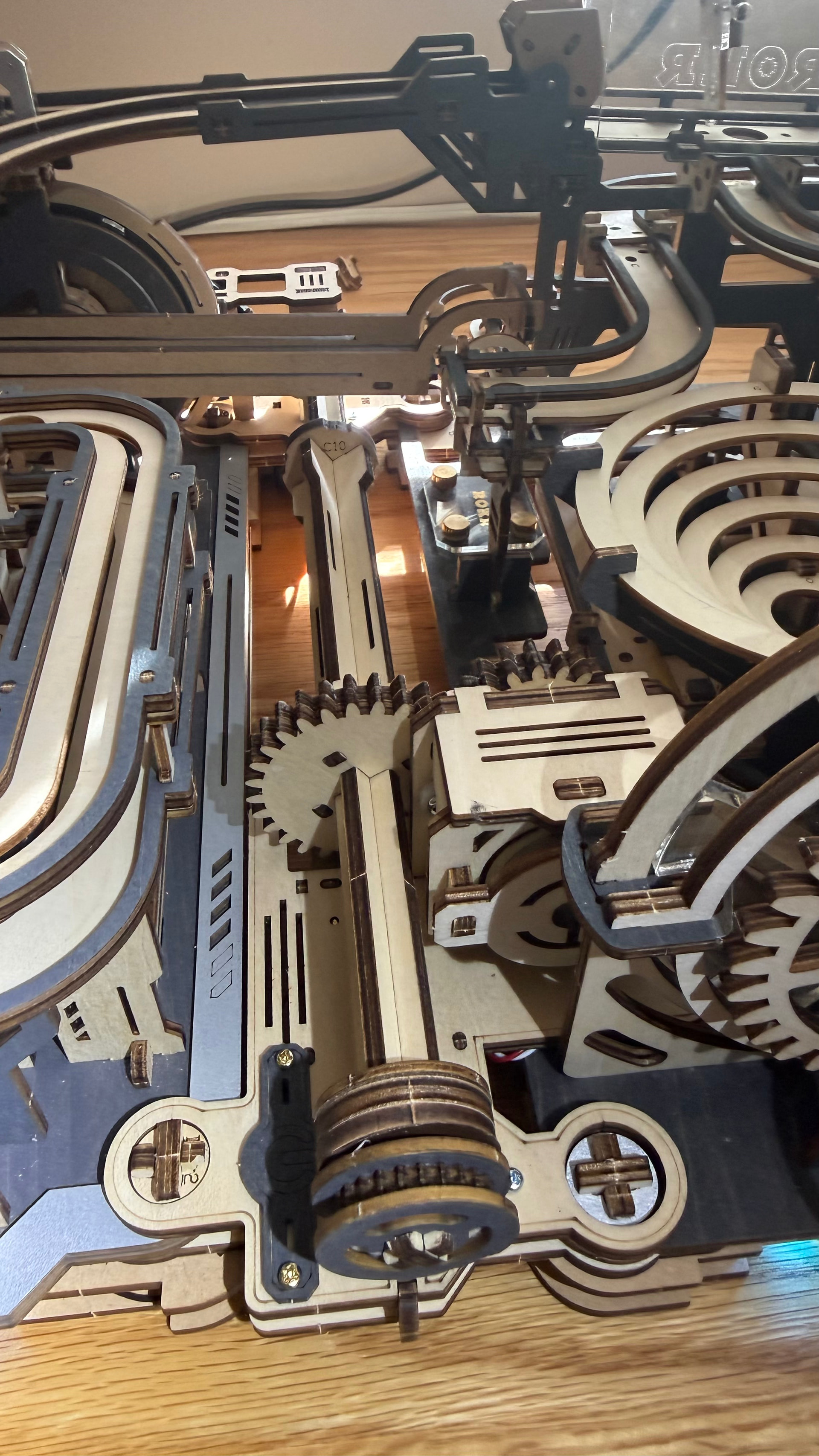
Bridging track, base connectors, and transmission shafts do the physical work:
- Bridge. The bridge carries the ball across the gap.
- Base connectors. The base connectors hold both models in fixed alignment.
- Transmission shaft. A transmission shaft passes drive between them where one motor powers everything.
How ROKR Handles Modularity
ROKR approaches this from two directions to solve different problems:
The Link Pack: Pairing Two Existing Models
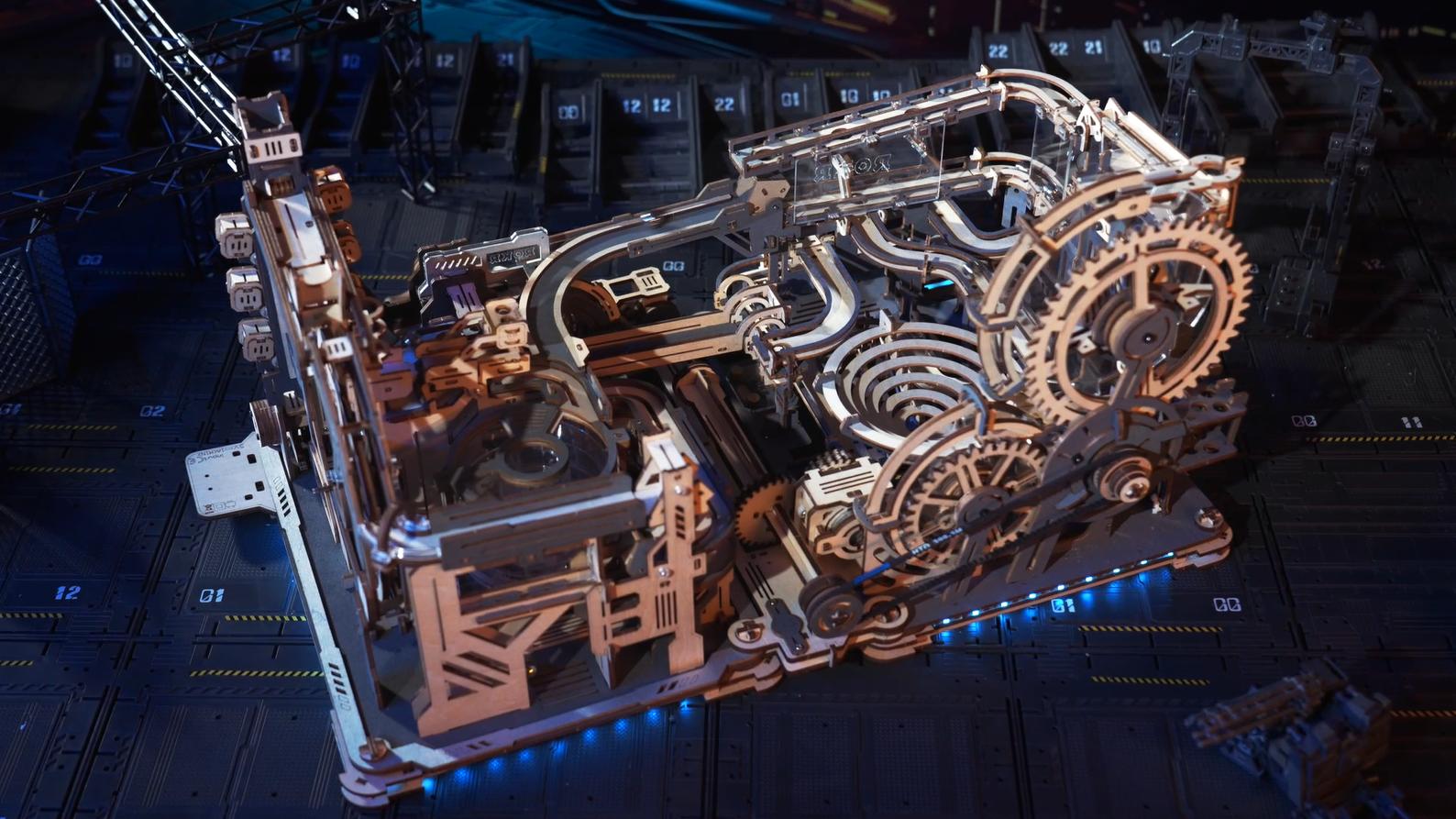
The Marble Run Link Pack joins Marble Night City and Marble Spaceport into a single run. It is an accessory rather than a model in its own right, so you can't use it alone. Both marble runs need to be fully built and working before you start.
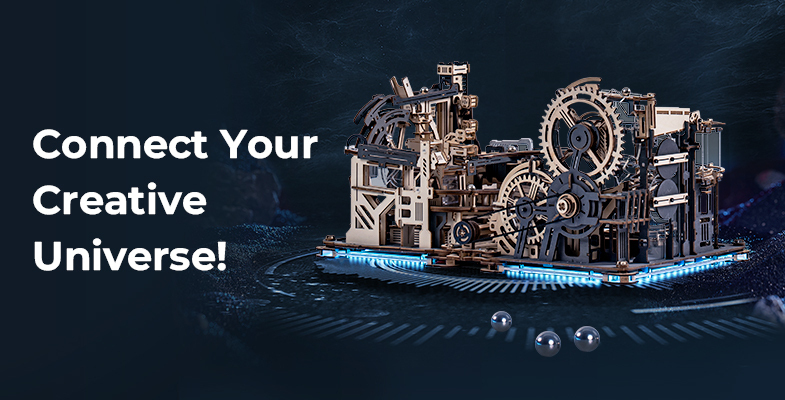
The link build takes around three hours. A hand crank comes off, and the Link Pack gears take its place. After that, the Spaceport motor drives the combined structure, with blue LED strips running through the connected tracks.
This pairing solves something specific. Night City is a manual model with no electric mode of its own, so linking it to the Spaceport gives it motorized operation it could not have had alone. That is a neat example of what a modular marble run can do beyond simply adding more track.
Parallel World: Designed Modular from the Start
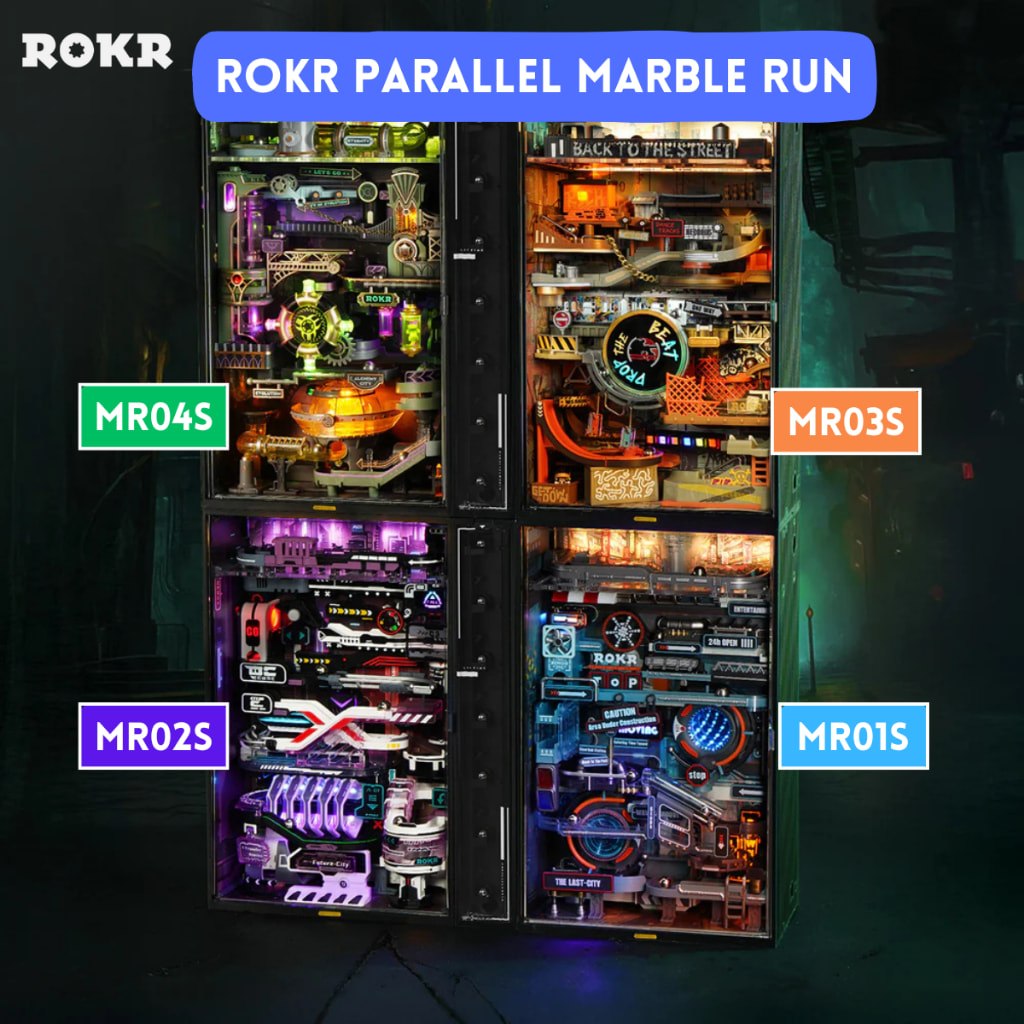
The Parallel World models take the opposite approach. They are built to link together out of the box, with connector layouts that can combine powered and unpowered lift sections, so you can extend the circuit by adding modules as you go.
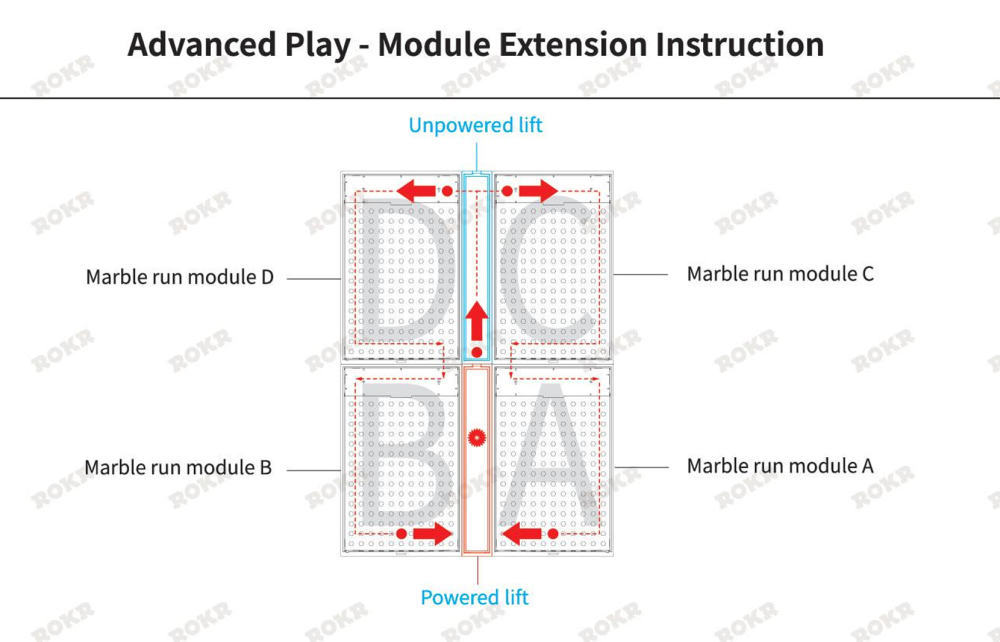
That makes them a good starting point if you want to grow a run over time since compatibility is built into every model in the range.
What to Check Before You Build Modular Marble Run Sets
A few things are worth confirming before you commit to a second marble run set:
- Start with compatibility, since the two models need to be a supported pair or part of one system.
- Finish and test both runs separately before joining them, because a fault in either one becomes much harder to trace once the structure is combined.
- Space is also worth considering. The linked Night City and Spaceport pair comes out around 515mm wide, so a desk that comfortably holds one model may feel tight with both.
- Determine which model supplies the drive, as that decides where the power connection sits in the final layout.
One reassuring detail: you can keep the link pack parts and reattach them later, so separating the two sets again is always an option.
FAQs
Can you connect marble runs from different brands?
Generally, you can’t connect marble runs from different brands. Each brand designs its own ball size, channel dimensions, and drive system, so the tracks will not align at the joint even when two models look like a close match.
Do you need the Link Pack, or can you connect the two sets yourself?
You need the Link Pack. It contains the bridging track, base connectors, and transmission parts that hold the two models in alignment and carry drive between them, and those parts are specific to that pairing.
Can you separate the marble run sets again afterwards?
Yes, you can separate the marble run sets again. You can remove and keep the connecting parts so you can run both models independently and relink them later if you want.
Does a connected marble run need a motor?
A connected marble run doesn’t always need a motor, although it helps. A combined run has a longer circuit, so a motor keeps the balls moving without you having to turn a handle the whole time. In the Night City and Spaceport pairing, the Spaceport motor takes over that job for both models.
Connect Your Favorite Marble Run Sets with ROKR
Connecting marble runs comes down to whether the sets were designed to work together. When they are, a modular marble run lets you build a bigger circuit in stages instead of buying one large model all at once.
The Parallel World range is built around that idea, and you can see how the other options compare across the Marble Run collection.